GTA 6 No Disc: What Comes in the Physical Box?
Rockstar lists a code-in-box version. Understand what you actually receive and why you still need a download.
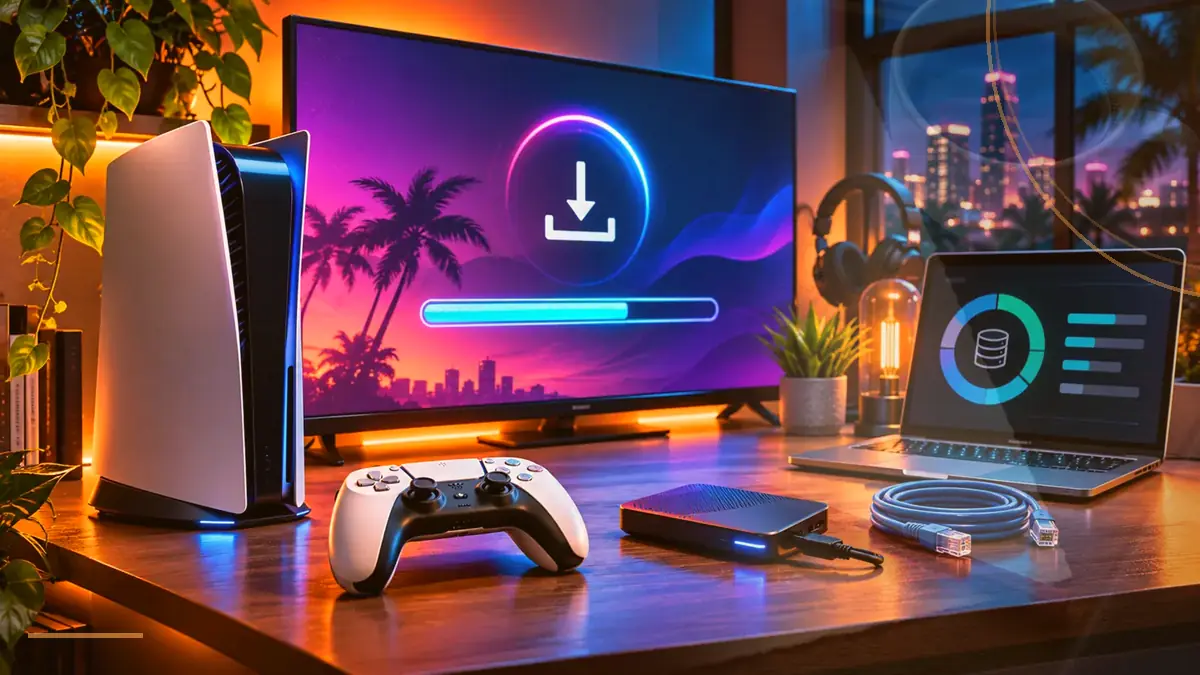
Original illustration, not gameplay footage.
At the Rockstar Store, the GTA VI physical (code-in-box) listing explicitly says a disc is not included. A box is not an offline installer: you redeem a code and download the game using a supported console and account.
What a “physical” copy means in this listing
The word physical can describe the packaging rather than the game media. Rockstar’s store listing is explicit: a physical code-in-box version is available, but it does not contain a disc. Check the wording of the precise retailer listing and the platform printed on the package before paying.
This matters for collectors and people with slow internet. You may receive something to display on a shelf, but you still need console storage and a substantial digital download. A disc drive does not turn a download code into a playable disc.
What to check before buying
Check whether the code is for PlayStation 5 or Xbox Series X|S, and whether a retailer imposes account or region restrictions. Read whether the package contains a redemption code, collectible items, or anything else; do not assume a paper map is included.
If you are buying second-hand, a redeemed code has no resale value as a game license. Avoid seller claims such as “already installed on account” unless the purchase is through an official supported arrangement.
Why this changes your download plan
Rockstar Support states that the installation can require up to 212 GB of available space, depending on device. The final space shown by your console is the right number to use on installation day. Keep free capacity for patches, captures and other games.
Use our download-time calculator to model your connection, not to promise a completion minute. The math is an estimate and real performance depends on Wi-Fi, the store servers, and network congestion.
Buying safely
For an official digital purchase, start inside the PlayStation or Microsoft storefront. For a box, verify the retailer, code format and edition. Do not download an ISO, “disc emulator,” or browser installer marketed as an alternative to redeeming the code.
If you want a traditional, playable disc, do not assume this code-in-box listing meets that requirement. Verify the latest product packaging directly before ordering.
A practical next step
At checkout, compare two listings side by side and read the contents line by line. A box photo and a retailer heading do not prove a disc is inside. If the code format is unclear, contact the retailer before purchase, and save a screenshot of the product details. After buying, redeem only through the correct console storefront and install using the official download manager.
Practical checklist: No Disc: What Comes in the Physical Box?
1. Read Rockstar Support’s physical-edition explanation before assuming a sealed package includes playable media.
2. Verify the retailer lists a game download code and check platform compatibility and code region.
3. Plan sufficient storage and network capacity before purchasing a gift.
4. Redeem only on the intended account and do not buy a “used” code without proof it is still unused.
Before you commit to a purchase, account change or storage deletion, use the official link in the sources section to check the most recent platform-specific wording. Platform menus and entitlement policies can change after a system update.
A practical way to use this guide
Identify the action you are trying to complete, the platform you own and whether you need a verified fact or a personal preference. Follow checks that are reversible first. Then compare your result with official store/support information. When you share a solution, include the console model and error text so other readers can tell if it applies to them.
The presence of a game case is not evidence of a physical disc, offline installation or resale value after redemption.
Two common situations and what to do next
If you are new to this topic, first work through the checklist in order. Read Rockstar Support’s physical-edition explanation before assuming a sealed package includes playable media. Verify the retailer lists a game download code and check platform compatibility and code region. Do not skip directly to a high-risk workaround just because a short video recommends it.
If you have already tried a solution, return to the particular claim that is still uncertain. Plan sufficient storage and network capacity before purchasing a gift. Redeem only on the intended account and do not buy a “used” code without proof it is still unused. Then compare the result against one of the dated primary sources below and note which platform, region or edition applies.
Frequently asked questions
Does GTA VI have a disc in the Rockstar Store physical box?
No. The Rockstar Store code-in-box listing says a disc will not be included.
Can I play the code-in-box copy without downloading?
No. Redeeming the code provides a digital license and the game must be installed.
Does a PS5 disc drive reduce the download size?
Not for a code-in-box product; it contains no game disc to install from.
Why does the GTA 6 box contain a download code?
Read Rockstar Support’s physical-edition explanation before assuming a sealed package includes playable media.
Can I install a code-in-box copy without internet?
Plan sufficient storage and network capacity before purchasing a gift. Confirm the official platform or publisher guidance before assuming the same behavior on every device.
Can an already redeemed physical code be resold?
Before you commit to a purchase, account change or storage deletion, use the official link in the sources section to check the most recent platform-specific wording. Platform menus and entitlement policies can change after a system update.
Related answers
- GTA 6 Digital vs Physical in India: Which to Buy
Compare the official edition and delivery rights for digital and physical purchases.
- GTA 6 Beginner Mistakes to Avoid
Avoid common GTA 6 launch mistakes: fake downloads, missing space, spoiler traps, account-sharing offers and rushed settings changes.
- GTA 6 Exploration Guide: Finding Your Way
Pick a district and finish it. A state as large as Leonida punishes pure wandering only if you never look up.
How we checked this
Checked against the named publisher and platform references where they cover these facts. Check the source date for changes. The actionable checklist is independent editorial guidance, not a claim of hands-on testing of every device, build or game scenario.