GTA 6 Exploration Guide: Finding Your Way
Pick a district and finish it. A state as large as Leonida punishes pure wandering only if you never look up.
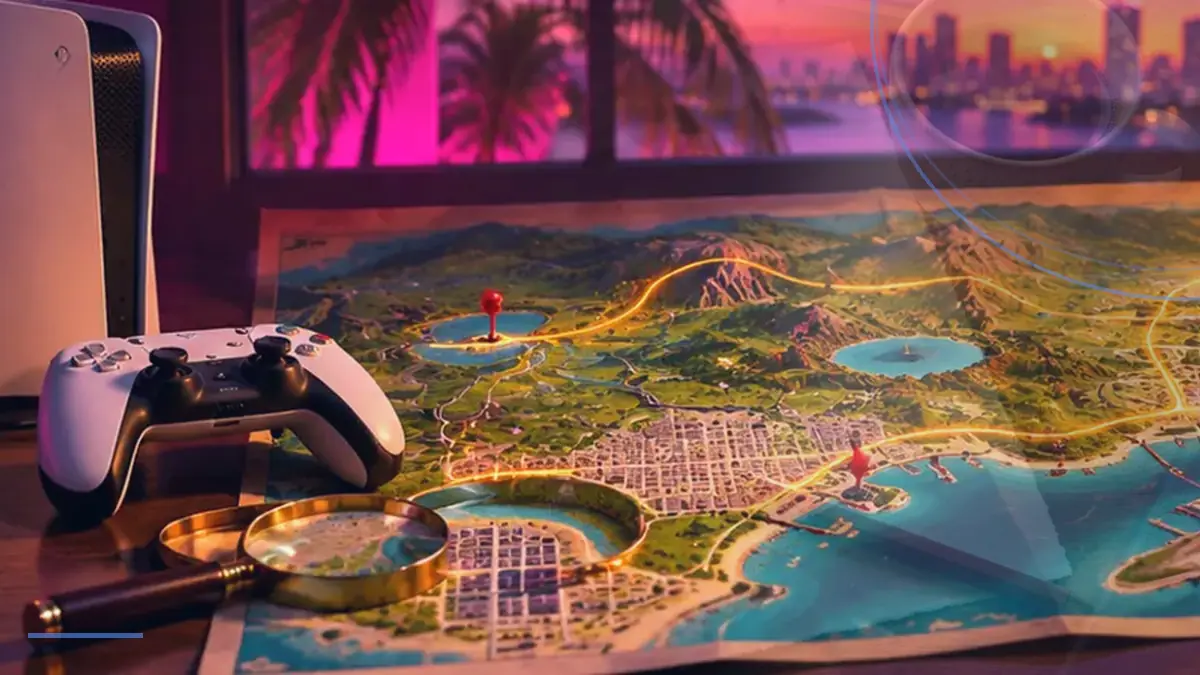
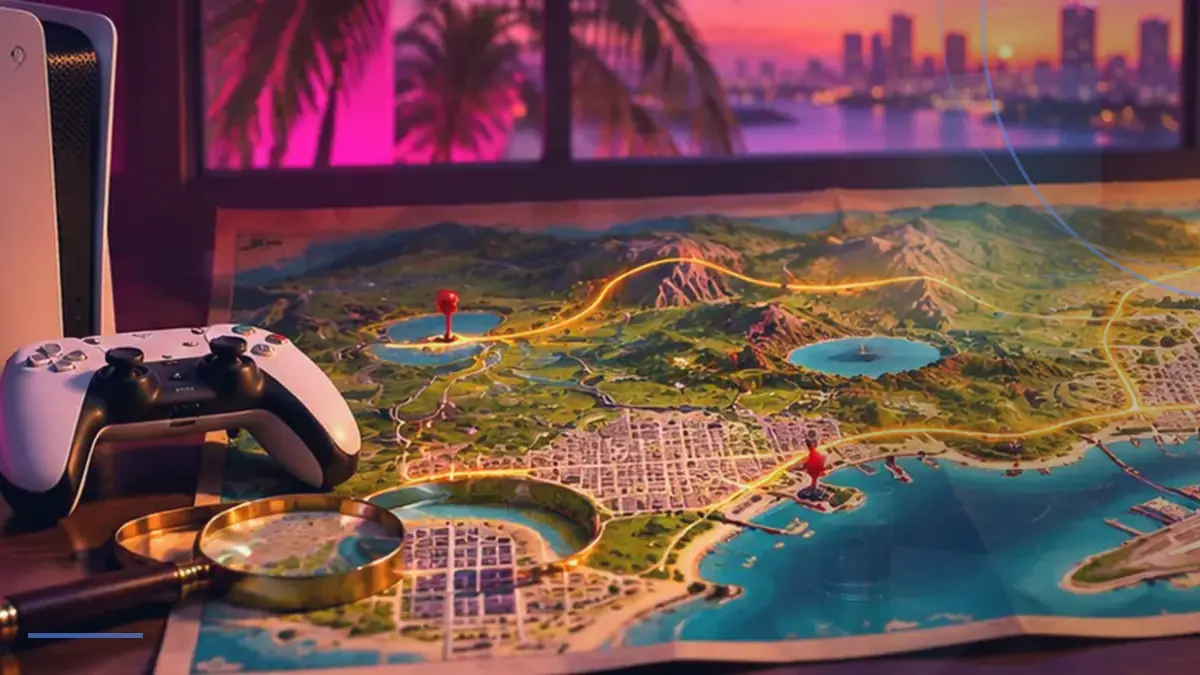
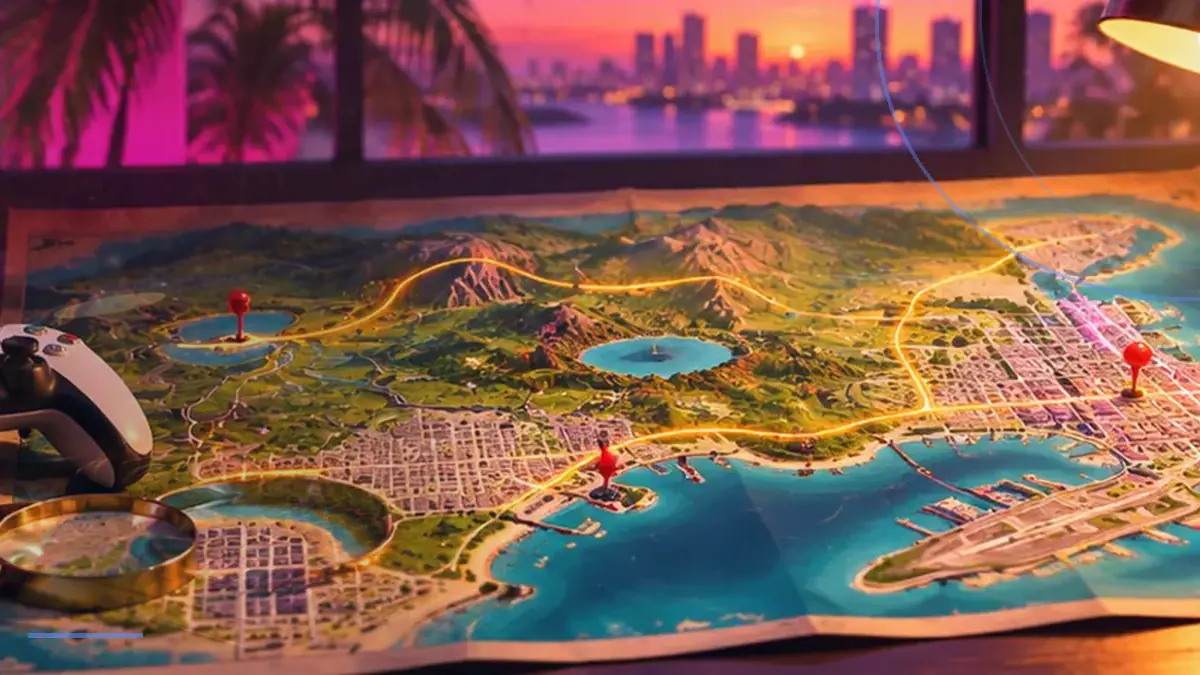
Original illustration, not gameplay footage.
Use the in-game map’s region names — Vice City, the Keys, Grassrivers, Port Gellhorn, Ambrosia, Mount Kalaga — as chapters. Clear one area’s roads in daylight before you chase a night activity on the far side of the state.
Daylight reconnaissance
Drive a main road from one end of a district to the other without shooting anyone. You learn ramps, water, and which blocks are residential. That lap is worth more than a collectible map copied from a video.
Mark a shop or a safehouse yourself. Your pins match your play. A creator’s pins match theirs.
When the map lies by omission
Interiors, rooftops, and back yards often matter in this series and rarely show as roads. If a mission sends you off the grid, follow it. If you are freelancing, do not assume a roof is a public park.
Collectible counts from old pre-release guides can become inaccurate and may spoil discovery. Use current in-game evidence for precise totals.
A better method for finding your own route
Use the published Leonida map to orient yourself at a regional scale, then distinguish that reference from the game’s active map and mission markers. Choose one neighboring area to explore rather than trying to uncover every icon immediately. Keep notes about roads, scenery or activities you personally encounter and avoid assuming a trailer landmark has an interactable function. For spoiler-free help, search by the region name and your specific problem.
Choose the least risky next step
Identify whether the question is about buying, downloading, installation, in-game settings or story progression. Begin with the relevant console menu or publisher help page, not a third-party file. Change one variable at a time and keep a note of the previous value. If there is no publisher confirmation for a claimed feature, avoid treating a community screenshot as a guaranteed setting on your version.
Practical checklist: Exploration Guide: Finding Your Way
1. Choose one small area of the map and learn the surrounding intersections instead of collecting map markers at random.
2. Compare the map legend with what actually appears on your current game version.
3. Use landmarks and safe stopping points when planning routes, then record discoveries in your own notes.
4. If a community guide refers to a missing point of interest, check its date and whether it is based on a pre-release reconstruction.
Before you commit to a purchase, account change or storage deletion, use the official link in the sources section to check the most recent platform-specific wording. Platform menus and entitlement policies can change after a system update.
A practical way to use this guide
Identify the action you are trying to complete, the platform you own and whether you need a verified fact or a personal preference. Follow checks that are reversible first. Then compare your result with official store/support information. When you share a solution, include the console model and error text so other readers can tell if it applies to them.
Online maps may include creator-added coordinates; an icon on a fan overlay does not make a location official or permanent.
Two common situations and what to do next
If you are new to this topic, first work through the checklist in order. Choose one small area of the map and learn the surrounding intersections instead of collecting map markers at random. Compare the map legend with what actually appears on your current game version. Do not skip directly to a high-risk workaround just because a short video recommends it.
If you have already tried a solution, return to the particular claim that is still uncertain. Use landmarks and safe stopping points when planning routes, then record discoveries in your own notes. If a community guide refers to a missing point of interest, check its date and whether it is based on a pre-release reconstruction. Then compare the result against one of the dated primary sources below and note which platform, region or edition applies.
Frequently asked questions
What should I visit first?
Whatever the opening mission leaves you standing in. Then the nearest named district, in daylight.
Where can I check a primary source for this guide?
Use the publisher or platform links below. Check the source date and ensure it covers the exact device or product edition you own.
How do I explore Leonida without wasting time?
Choose one small area of the map and learn the surrounding intersections instead of collecting map markers at random.
Can community route maps become outdated?
Use landmarks and safe stopping points when planning routes, then record discoveries in your own notes. Confirm the official platform or publisher guidance before assuming the same behavior on every device.
How should I record useful locations?
Before you commit to a purchase, account change or storage deletion, use the official link in the sources section to check the most recent platform-specific wording. Platform menus and entitlement policies can change after a system update.
Related answers
- GTA 6 Beginner Guide: Your First Hour
Learn the camera, the car, and the save. Leave the trophy hunt and the ending blogs alone.
- GTA 6 Beginner Mistakes to Avoid
Avoid common GTA 6 launch mistakes: fake downloads, missing space, spoiler traps, account-sharing offers and rushed settings changes.
- GTA 6 Download Time Calculator: 212 GB Guide
Calculate how long your download could take and what speed, units, and Wi-Fi overhead actually mean.
How we checked this
Checked against the named publisher and platform references where they cover these facts. Check the source date for changes. The actionable checklist is independent editorial guidance, not a claim of hands-on testing of every device, build or game scenario.