GTA 6 PS5 Storage: Space Requirements and Fixes
A practical free-space checklist for PS5 owners, with the official “up to 212 GB” reference.
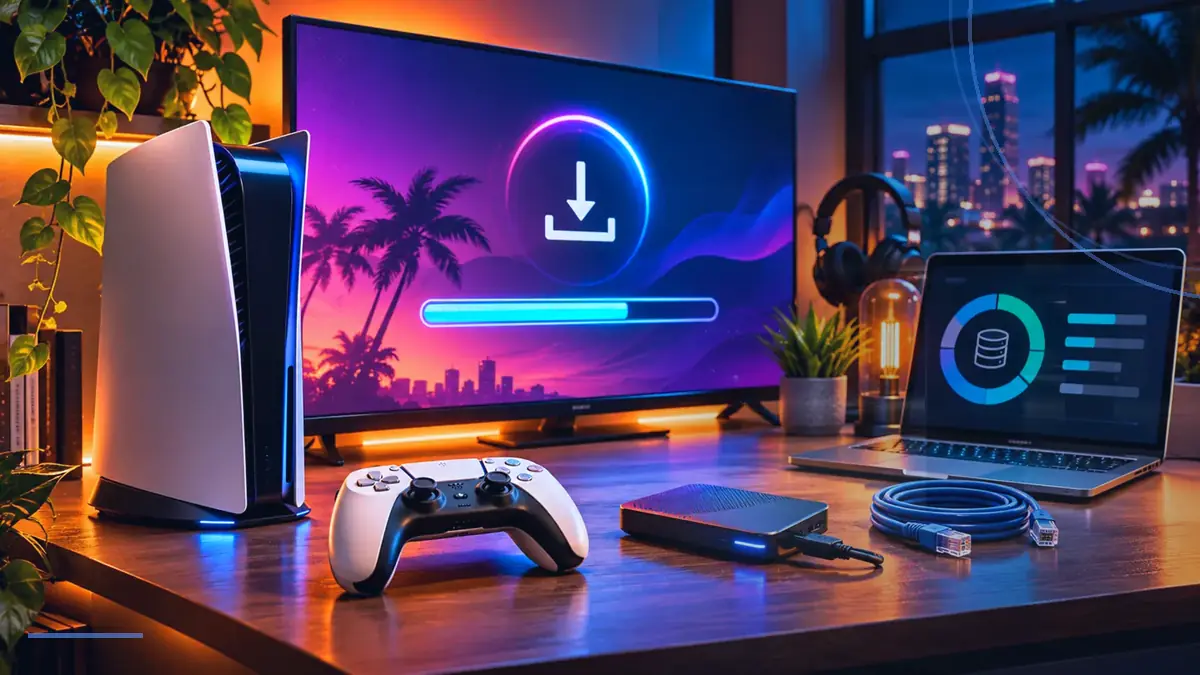
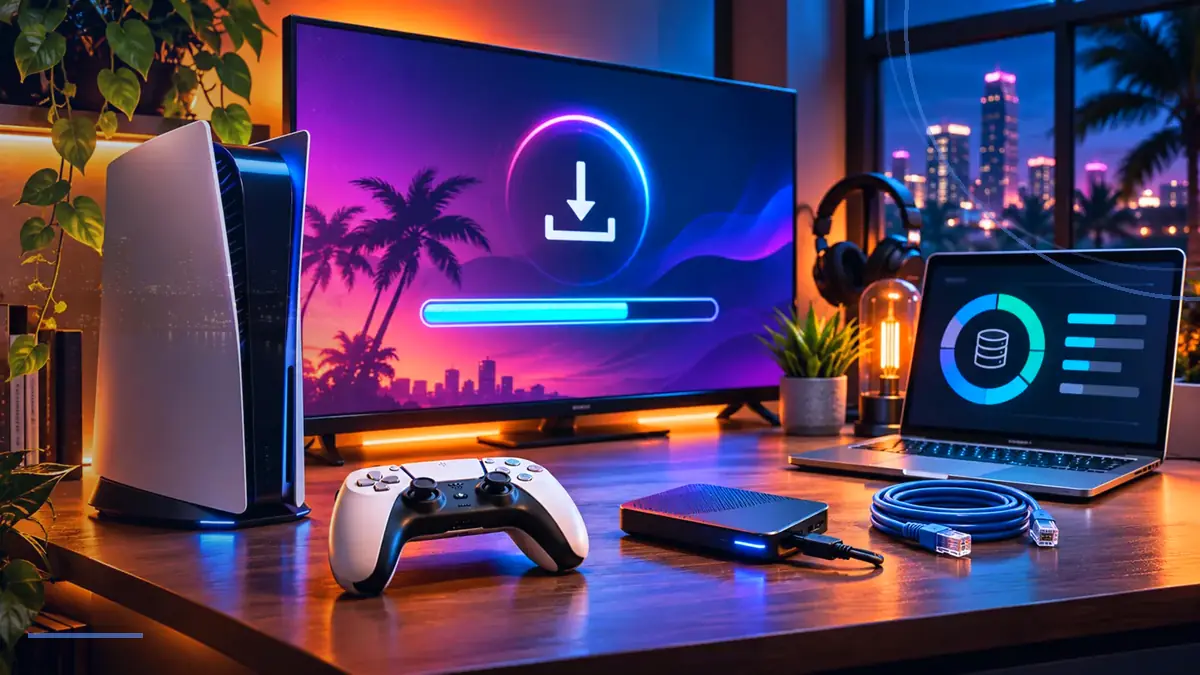
Original illustration, not gameplay footage.
Rockstar says GTA VI installation requires up to 212 GB depending on the device. On PS5, check available console storage before purchase or install, and leave extra room for updates rather than filling the drive to zero.
Start with the official number
Rockstar’s installation support page gives an upper requirement of 212 GB depending on the device. This is not a promise that every build occupies exactly that amount, and a later patch can change the installed footprint.
Before clearing space, open PS5 Settings and navigate to the console storage overview. Use the size shown for your actual download or installation. Record what is free and decide what can safely be deleted or moved.
Make room without deleting saves
Look first at large games you can reinstall and captures you have already backed up. Game installations and save files are separate categories; do not casually erase save data in a rush to free space.
An M.2 expansion SSD can be useful if it meets Sony’s compatibility requirements. Confirm the hardware spec from PlayStation, not an advertisement that promises a special “GTA 6 drive.”
Troubleshooting download or install failures
Check that you are signed into the purchasing account, the console is connected to the internet, and the store recognizes your license. Pause and resume from the official download queue. Restart the console only after noting progress and ensuring that no update is actively writing.
If the store shows an error code, search that exact code in official PlayStation help. A third-party “installer fixer” is not required and may expose account details.
Make the setup comfortable
Keep the console ventilated, allow auto-updates according to your preferences, and avoid unplugging power during installation. After launch, check the title’s update history periodically rather than using outdated file-size claims from social videos.
Our storage planner can estimate remaining capacity based on your own free-space figure and an editable game-size assumption. It never pretends to read your PS5 remotely.
A practical next step
On the PS5 storage screen, measure available free capacity before beginning the download. If the number is below the current store requirement, remove or move games you can restore later, not save files you cannot replace. Check that any expansion SSD meets Sony compatibility requirements, then restart the normal game installation. The publisher says up to 212 GB depending on device; always use the current figure shown on your own console.
Practical checklist: PS5 Storage Guide: How Much Free Space Do You Need?
1. Open PS5 Settings and check console storage before making purchases or uninstall decisions.
2. Compare free space with Rockstar’s up-to-212 GB installation guidance and reserve update headroom.
3. Move or remove older titles using Sony’s supported storage tools; keep save backups separate from game data.
4. If using expansion storage, verify it meets PS5’s official compatibility requirements.
Before you commit to a purchase, account change or storage deletion, use the official link in the sources section to check the most recent platform-specific wording. Platform menus and entitlement policies can change after a system update.
Useful details to record
A precise report includes the device model, game edition, game build or update date, account region and the observed result. These variables often explain why two users describe different experiences. You can keep this record privately without posting receipts, account identifiers or sensitive screenshots.
An external USB device cannot be assumed to run installed PS5 titles directly; Sony distinguishes storage and playable install locations.
Two common situations and what to do next
If you are new to this topic, first work through the checklist in order. Open PS5 Settings and check console storage before making purchases or uninstall decisions. Compare free space with Rockstar’s up-to-212 GB installation guidance and reserve update headroom. Do not skip directly to a high-risk workaround just because a short video recommends it.
If you have already tried a solution, return to the particular claim that is still uncertain. Move or remove older titles using Sony’s supported storage tools; keep save backups separate from game data. If using expansion storage, verify it meets PS5’s official compatibility requirements. Then compare the result against one of the dated primary sources below and note which platform, region or edition applies.
Frequently asked questions
Is 212 GB the exact GTA 6 size on PS5?
No. Rockstar says installation requires up to 212 GB depending on device.
Can I add SSD storage to a PS5?
Compatible internal M.2 expansion storage is supported by PS5; verify the current Sony specifications before buying.
Should I remove saved games first?
No. Check installed games and media first. Keep save data safe.
How much PS5 free space should I prepare?
Open PS5 Settings and check console storage before making purchases or uninstall decisions.
Can an external USB drive play PS5-native games?
Move or remove older titles using Sony’s supported storage tools; keep save backups separate from game data. Confirm the official platform or publisher guidance before assuming the same behavior on every device.
What should I move before installing a huge game?
Before you commit to a purchase, account change or storage deletion, use the official link in the sources section to check the most recent platform-specific wording. Platform menus and entitlement policies can change after a system update.
Related answers
- GTA 6 Install Stuck? PS5 and Xbox Fixes
Note the exact error message, console model and whether download, installation, verification or launch is failing.
- GTA 6 on Xbox Series S: Storage Fixes Before Installing
Check the Xbox Series S internal free space in Settings rather than relying on nominal SSD capacity.
- GTA 6 Compatible Consoles: PS5, Xbox, PC
Avoid device confusion with an at-a-glance guide to native launch platforms and cloud exceptions.
How we checked this
Checked against the named publisher and platform references where they cover these facts. Check the source date for changes. The actionable checklist is independent editorial guidance, not a claim of hands-on testing of every device, build or game scenario.