GTA 6 Day-One Update and Installation Help
Complete the console operating-system update before troubleshooting the game’s installation.
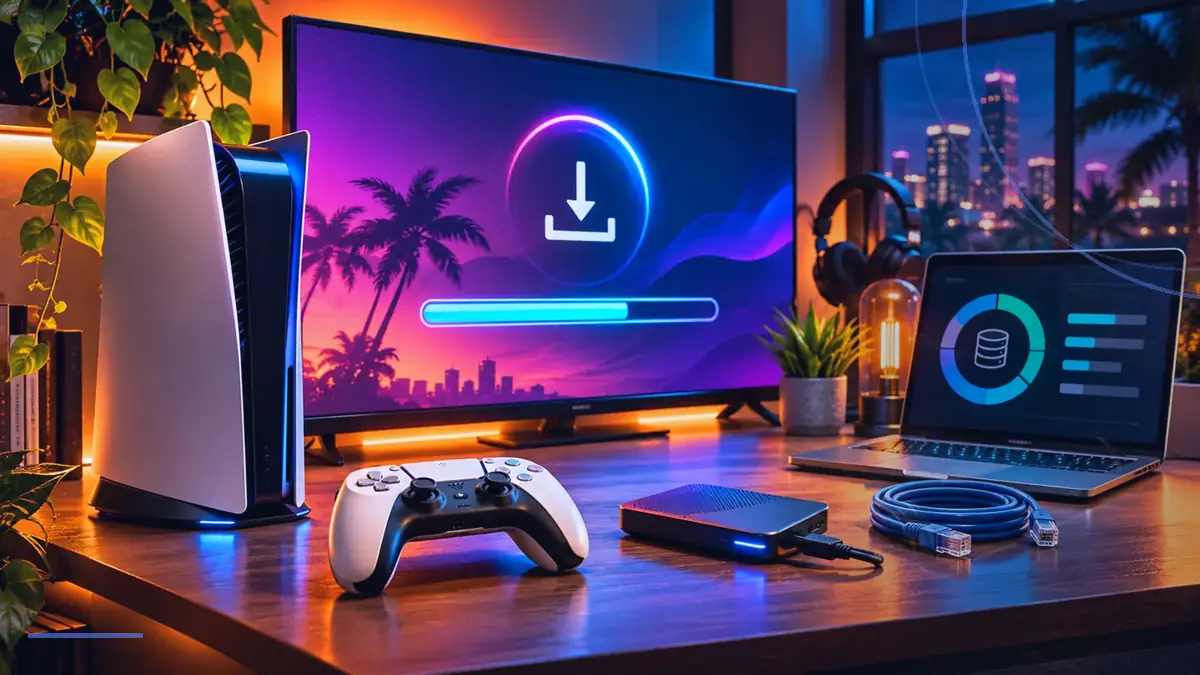
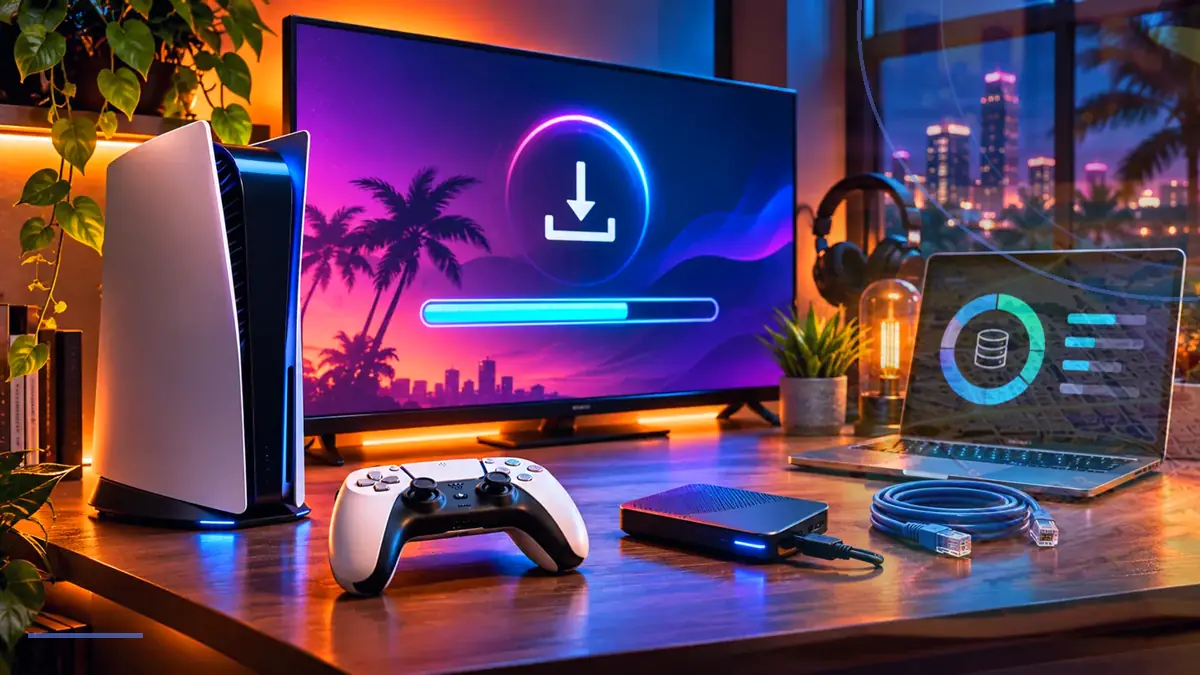
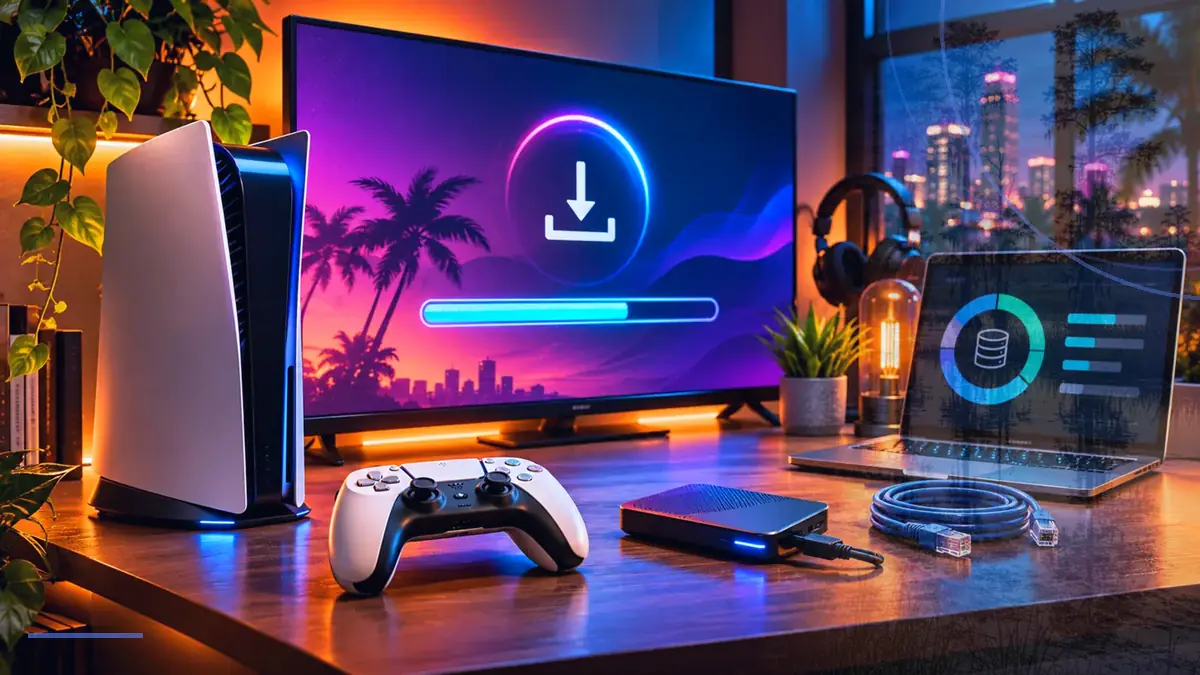
Original illustration, not gameplay footage.
If Grand Theft Auto VI needs a day-one update, PS5 or Xbox will offer it on the same library tile as the game. Let that bar finish. Do not download a separate patch, unlocker, or FPS pack from a description box.
When the bar sticks
Restart the console, check storage, and look at the platform’s service status. Launch night queues are dull and real. They are not a sign the official update failed so completely that a stranger’s file is required.
Creators who say their launcher must run first are lying. The platform does not need them.
Check the update without a fake patch file
On PS5, select the game tile and use the console’s check-for-update function; on Xbox, review the official updates queue. A pending update can require additional free storage. Exact patch contents and sizes vary over time and should be read from the current platform or Rockstar announcement, not a fixed number on a fan page. Do not turn off security settings or install software from file-sharing links to speed the process.
Use a safe diagnosis order
Start with the console's current game tile, installation queue, remaining storage and signed-in account. Record exact error messages before changing anything. Next, consult Rockstar Support and the official PS5 or Xbox help page for that error category. This order avoids destructive steps, third-party 'performance packs', fabricated patch tools and unnecessary save-data deletion. A calculated estimate is not the same as a guaranteed install time.
Practical checklist: Day-One Update and Installation Help
1. Complete the console operating-system update before troubleshooting the game’s installation.
2. Check whether the pending item is a game patch or a full application download, since the storage requirements differ.
3. Leave enough free capacity for the staged installation and do not force power off during a storage operation.
4. If progress stops, use Sony or Xbox official download troubleshooting in a safe, reversible order.
Before you commit to a purchase, account change or storage deletion, use the official link in the sources section to check the most recent platform-specific wording. Platform menus and entitlement policies can change after a system update.
Understand the problem stage
Downloading, installing, verifying and starting a purchased game are distinct stages. A network test helps with transfer stalls but will not fix a missing license. Freeing storage can help an install but will not make an unsupported platform compatible. Identify the stage first to avoid losing save data or spending time on a fix unrelated to the symptom.
A day-one patch version found in a social post may be outdated; check the installed version on your own platform.
Two common situations and what to do next
If you are new to this topic, first work through the checklist in order. Complete the console operating-system update before troubleshooting the game’s installation. Check whether the pending item is a game patch or a full application download, since the storage requirements differ. Do not skip directly to a high-risk workaround just because a short video recommends it.
If you have already tried a solution, return to the particular claim that is still uncertain. Leave enough free capacity for the staged installation and do not force power off during a storage operation. If progress stops, use Sony or Xbox official download troubleshooting in a safe, reversible order. Then compare the result against one of the dated primary sources below and note which platform, region or edition applies.
Frequently asked questions
Where do I download the day-one patch?
Inside the PS5 or Xbox library. Nowhere else. Complete the console operating-system update before troubleshooting the game’s installation.
Where can I check a primary source for this guide?
Use the publisher or platform links below. Check the source date and ensure it covers the exact device or product edition you own.
Why does the console need another update?
Complete the console operating-system update before troubleshooting the game’s installation.
Should I delete the game when an update pauses?
Leave enough free capacity for the staged installation and do not force power off during a storage operation. Confirm the official platform or publisher guidance before assuming the same behavior on every device.
Does the PS5 system update replace the game patch?
Before you commit to a purchase, account change or storage deletion, use the official link in the sources section to check the most recent platform-specific wording. Platform menus and entitlement policies can change after a system update.
Related answers
- GTA 6 Controller Settings: Comfortable Setup
Record default look and aim controls before experimenting with sensitivity or inversion.
- Does GTA 6 Need Internet? Offline vs Online
The install does. A story campaign in this series is not the same thing as a live-service match.
- GTA 6 Controller Deadzone, Subtitles and HDR Setup
Start with the settings that the installed game and your console actually expose: display calibration, subtitles and available controller adjustments. Avoid d
How we checked this
Checked against the named publisher and platform references where they cover these facts. Check the source date for changes. The actionable checklist is independent editorial guidance, not a claim of hands-on testing of every device, build or game scenario.